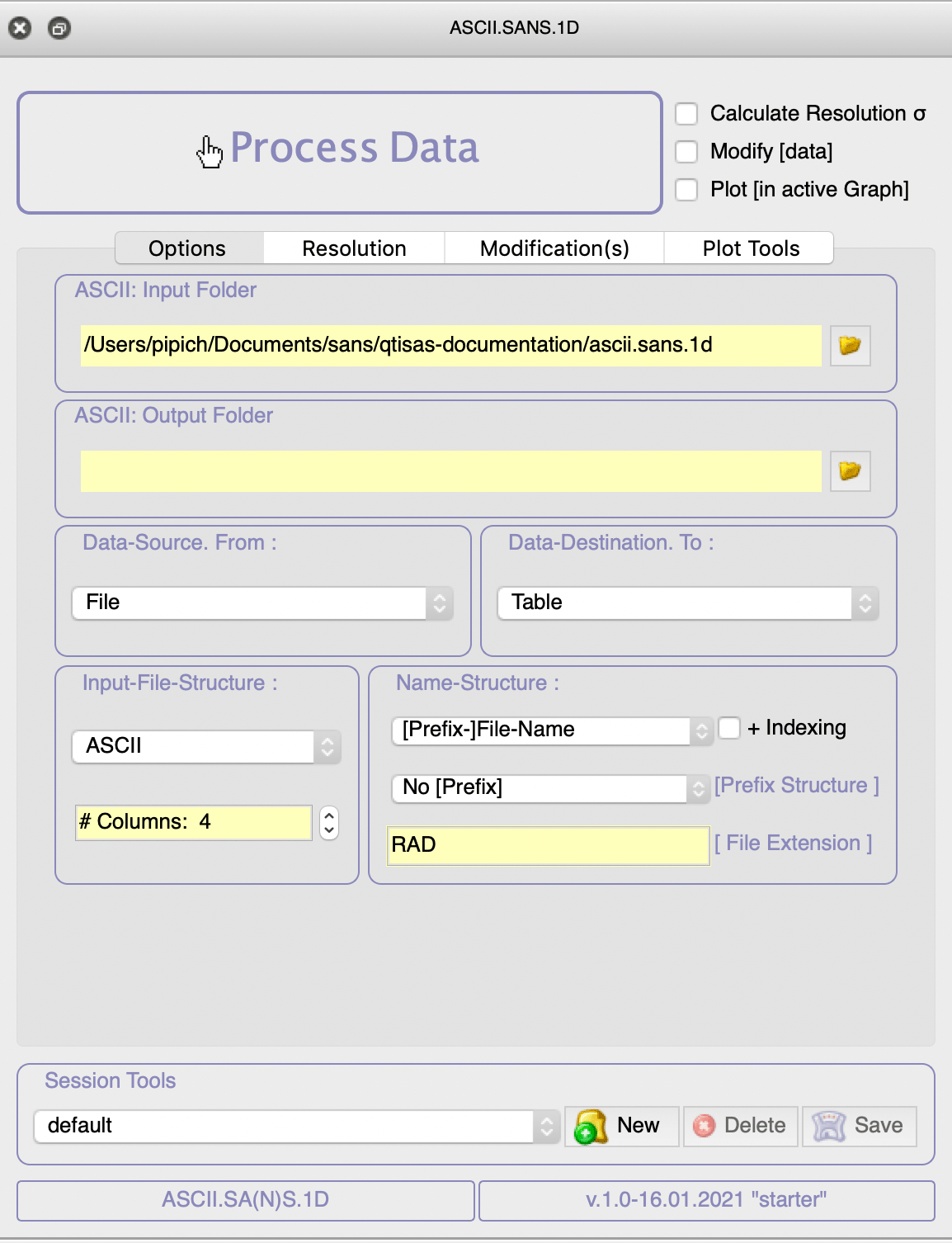
powerful import/export tool for the radial averaged datasets. During the import/export process several actions can be performed on the data: convertation to other SAS-presentation (Guinier, Zimm, Porod …); removing blocks of points at the beginning, end, or inside the q-range, as well as all negative points; simple arithmetic operations on data can be done; linear and progressive binning tools are available; SANS resolution column could be added to datasets…
[step: 0] Open ASCii.SANS.1D interface

Push button
 to open ASCii.SANS.1D interface
[step: 1] Select Input Folder

Push button  to select path to your ascii files within “ASCii Input Folder”:

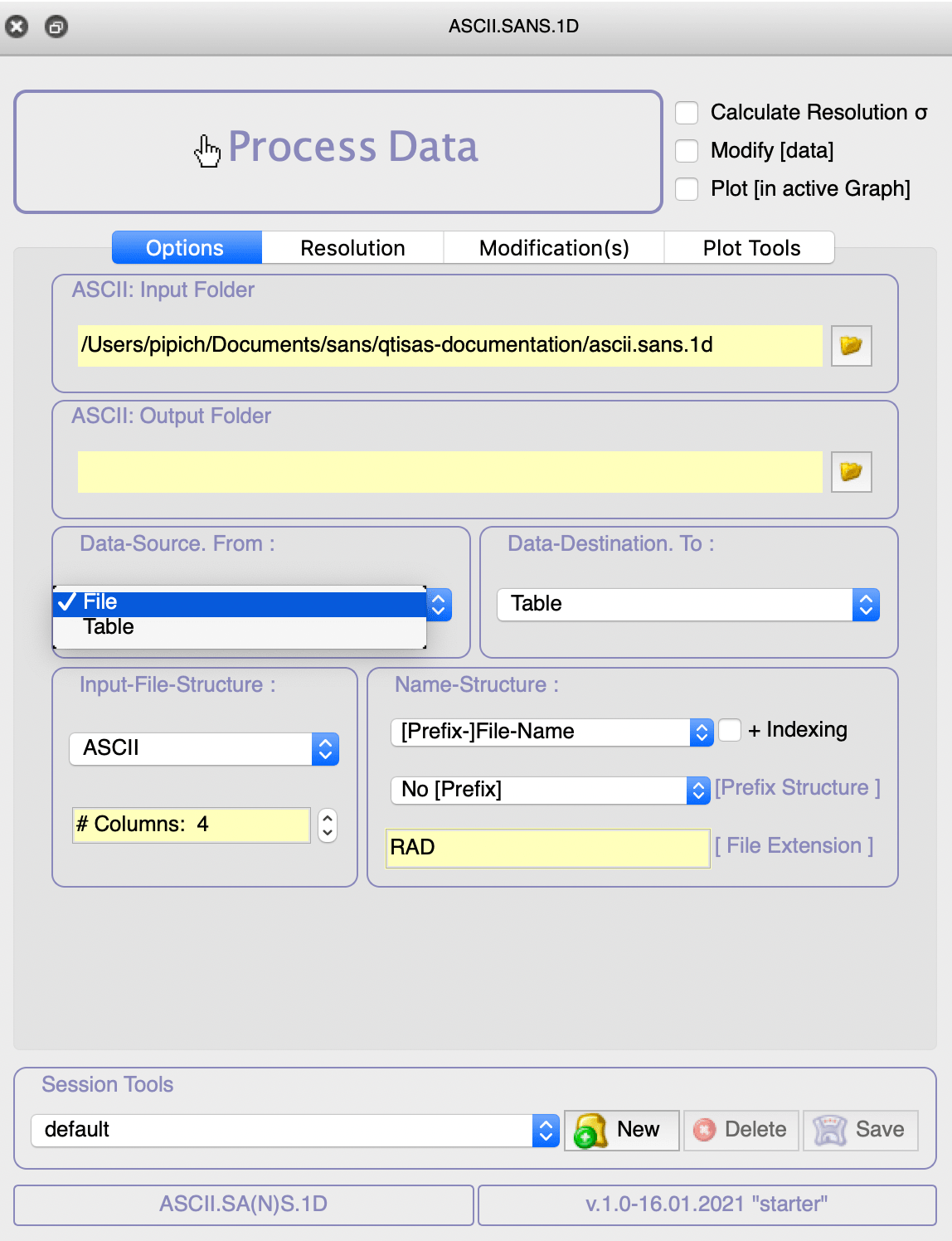
[step: 2] Select 'Data-Source' (Files)

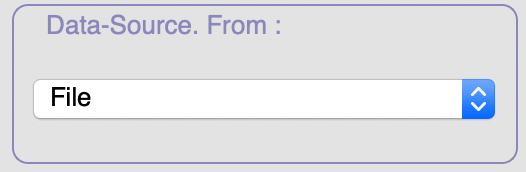
by default File is selected in 'Data-Source.From' interface:

if Data-Source.From: = “File”
and Data-Source.To: = “Table”
than IMPORT ascii files to project as tables
[step: 3] Select 'Data-Destination' (Tables)

by default Table is selected 'Data-Source.To' interface:

if Data-Source.From: = “Table”
and Data-Source.To: = “File”
than EXPORT tables as ascii files
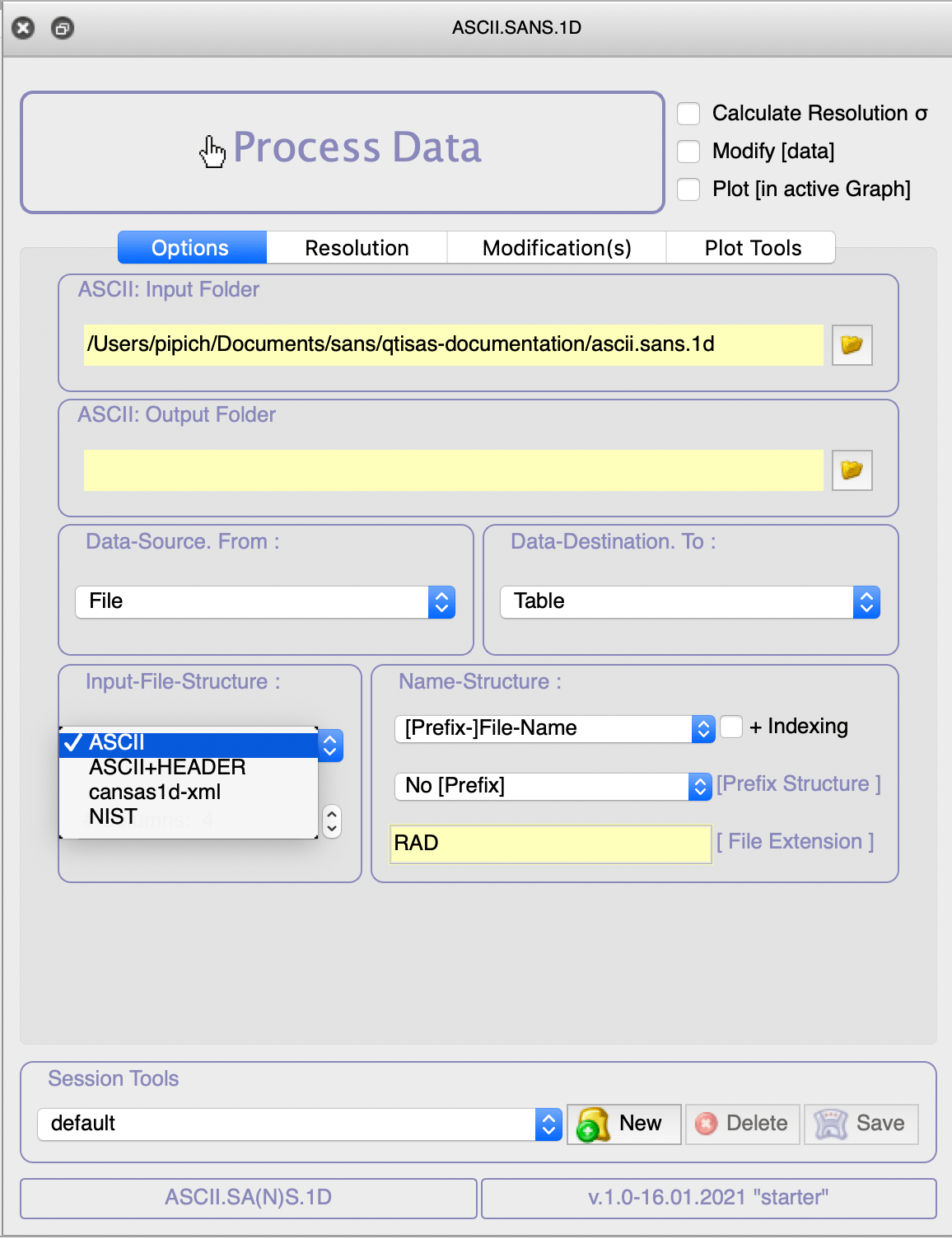
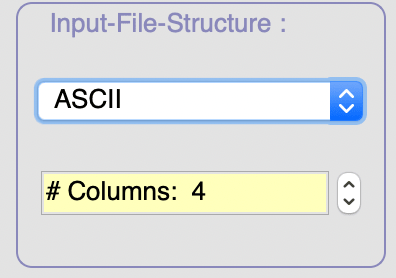
[step: 4] Select 'Input-File-Structure' (ASCii & 4)

by default ASCii with 4 columns is selected in 'Input-File-Structure' interface:
 In current example we will use 'ASCii' format to read data but several another formats could be here selected: 'ASCii+Header', 'canvas-1d-xml', 'NIST'.
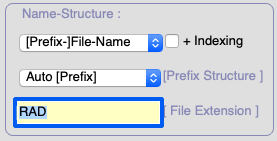
[step: 5] Name of the generated table could be adjusted in 'Name Structure' interface
Here you can select indexing option; make table name with number extracted from file name; …
[step: 6] 'Process Data'
Push 'Process Data':

Select files:

Generated tables will be hidden in the current folder of the project: